

Take the product tour
The product tour opens the first time you visit the Agents page on a computer. It does not run on a phone.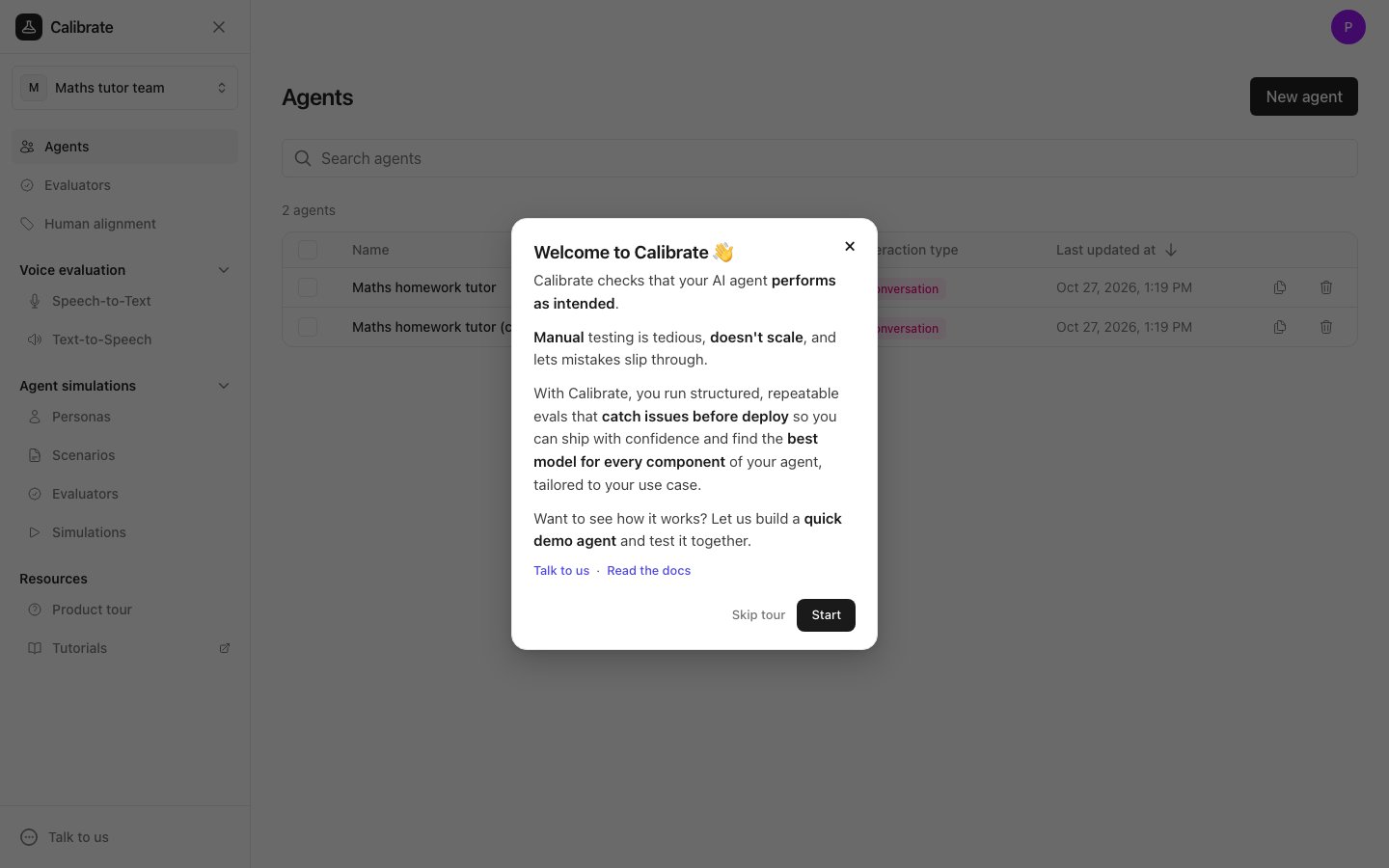
- Read the Welcome to Calibrate card.
- Click Start to begin, or Skip tour to close it.
- Creates a demo agent and gives it instructions.
- Adds an evaluator, which is the check that grades the agent’s replies.
- Adds two sample tests: one the agent should pass and one it should fail.
- Runs the tests and opens the results.
- Shows you the failed test, the agent’s reply and the evaluator’s reasoning.
- Adds one line to the agent’s instructions to fix the problem, then runs the tests again so you can see the failed test pass.
Replay the product tour
You can start the tour again at any time, in either of these ways:- In the sidebar, under Resources, click Product tour.
- Click the circle with your initial in the top right corner to open your profile menu, then click Take a tour.
Next steps
Quickstart
Create the maths tutor agent yourself, add one test and run it
Learning resources
Watch recorded tutorials and read the blog