

Find your evaluators
In the sidebar, click Evaluators. The page lists every evaluator you can add to an agent.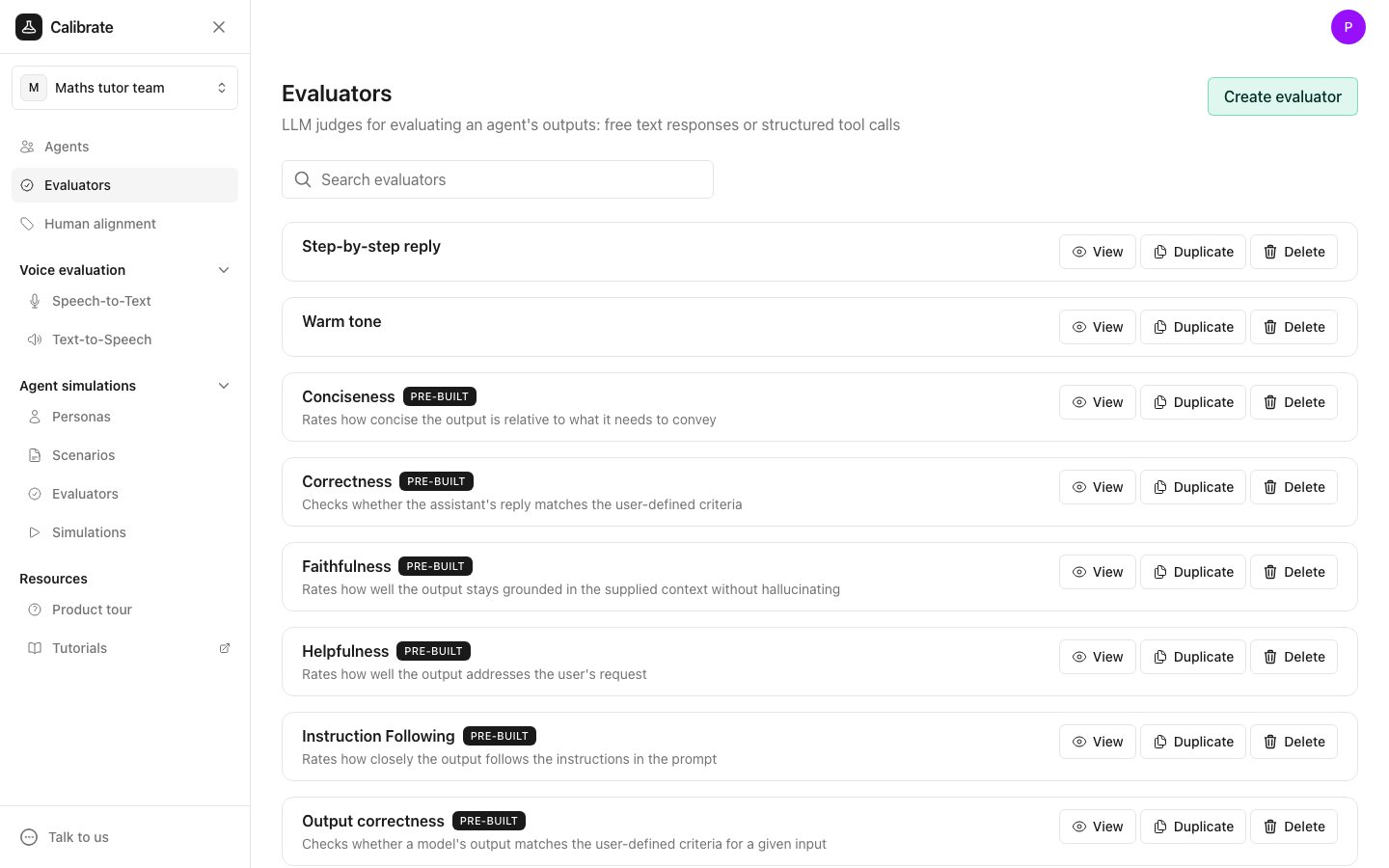
- View opens a window that shows how the evaluator judges. From that window, Open takes you to the evaluator’s own page.
- Duplicate makes a copy you can change.
- Delete removes it.
What an evaluator judges
Every evaluator on this page judges one of three things:
You create Agent reply and Basic evaluators yourself. Tool call evaluators come with Calibrate.
How an evaluator scores
When you create an evaluator, you choose its review type:- Binary gives a pass or fail for each reply. By default the two answers are labelled “Correct” and “Wrong”, and you can rename them.
- Rating gives a score on a rating scale you set, such as 1 to 5. For a rating evaluator, give the label for the worst result the lowest number and the label for the best result the highest number.
Where you use evaluators
- In tests: add evaluators to an agent on the Evaluators tab of the agent page. They score each reply when you run tests. See Evaluate your agent with unit tests and Run unit tests.
- In monitoring: the same evaluators can score what your agent does in production. See Monitor your agent in production.
- In human alignment: check how often an evaluator agrees with people who label the same replies. See Human alignment overview.
Next steps
Create an evaluator
Write a judge prompt and choose how it scores.
Edit an evaluator and manage versions
Change the prompt and choose which version is used.