

How it works
- Create a labelling task, for example “Check tutor replies”, and choose the evaluators it checks.
- Add items to the task. Each item is one conversation to label.
- Assign the items to annotators. Each annotator gets a link and labels every item.
- Run the evaluator on the same items.
- Compare the answers. Calibrate shows how often the annotators agree with each other, and how often the evaluator agrees with them.
The Human alignment page
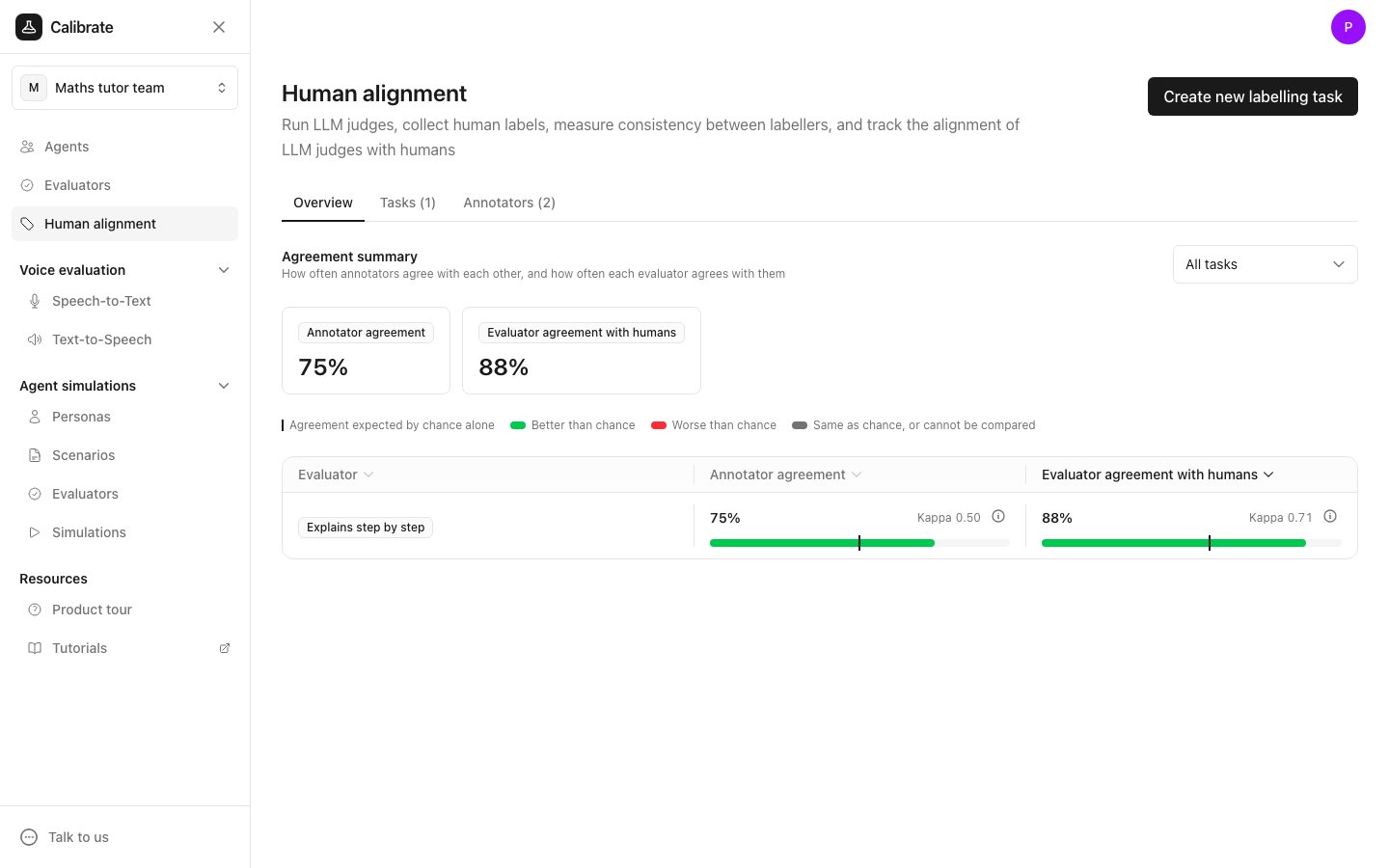
Click Human alignment in the sidebar. The page has three tabs.Overview
The Overview tab shows the Agreement summary across your labelling tasks:- Annotator agreement: how often the annotators give the same answer on the same item.
- Evaluator agreement with humans: how often each evaluator gives the same answer as the annotators.
Tasks
The Tasks tab lists your labelling tasks, with each task’s type, number of items, and evaluators. Click a task to open it.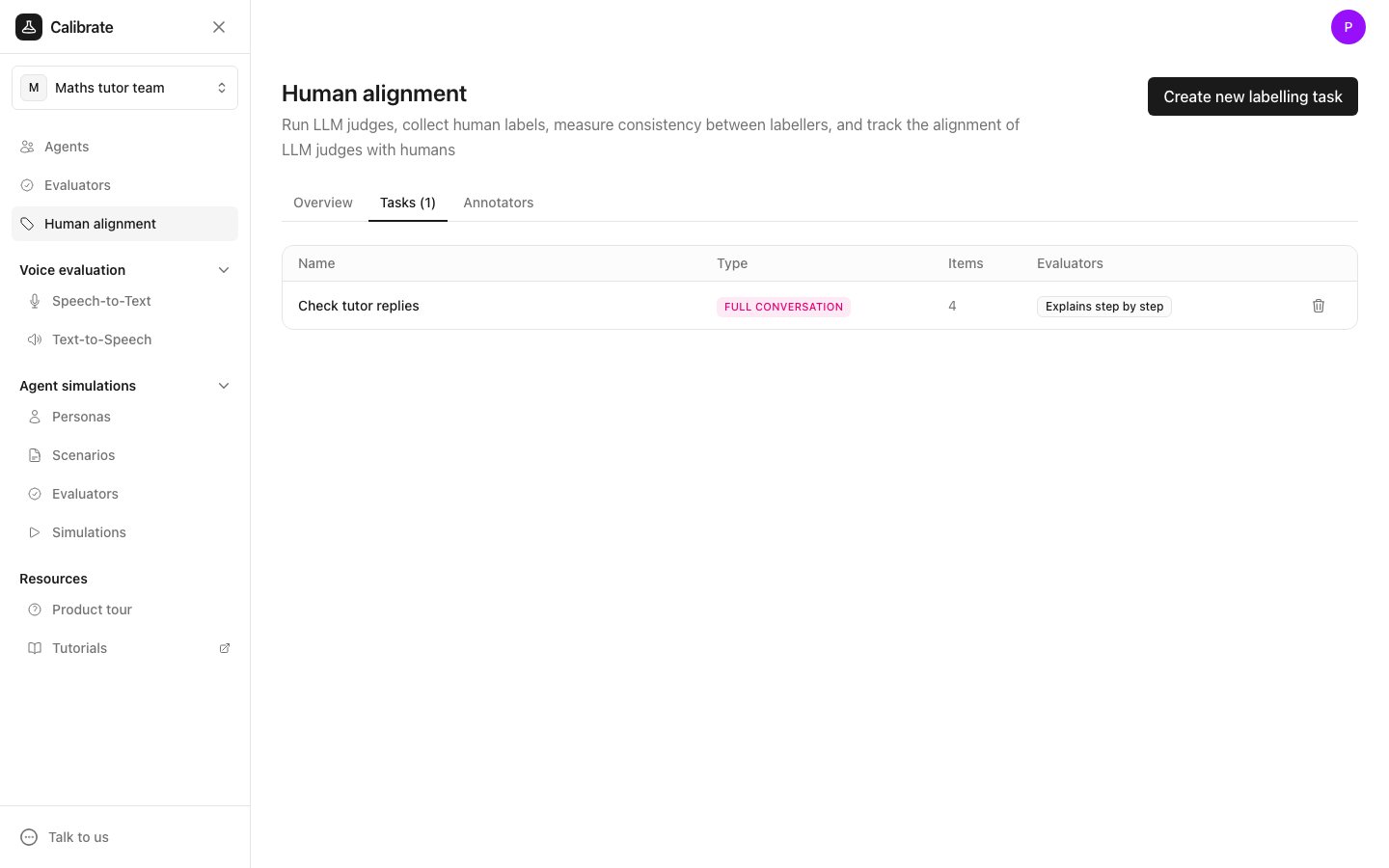
Annotators
The Annotators tab lists the people who label items, with how many jobs each one has and how often they agree with the others.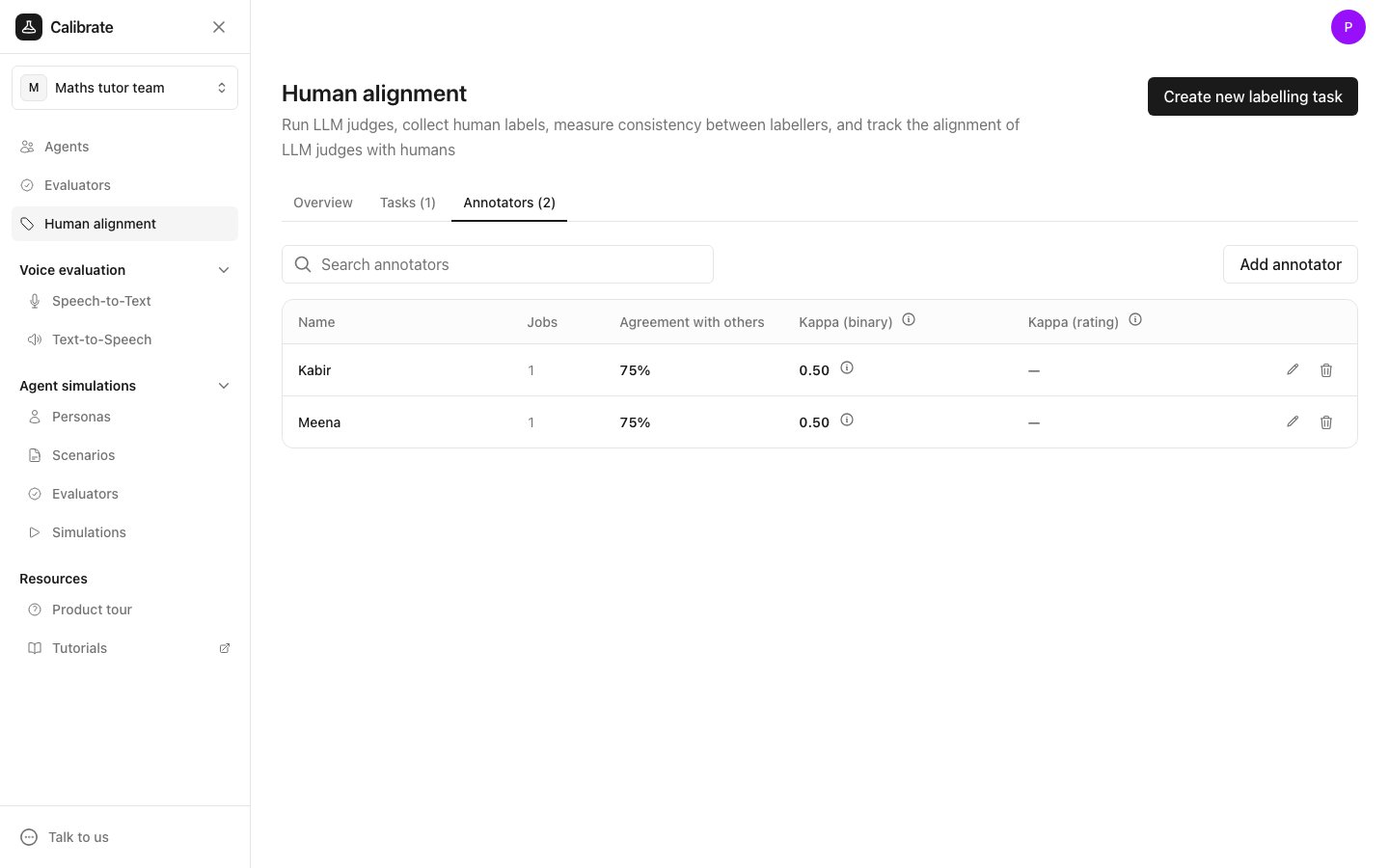
Next steps
Create a labelling task
Create the task, add items, and send them to annotators.
Invite annotators
Add annotators and see how they label items.
Check how well an evaluator agrees with people
Run the evaluator and compare its answers with the annotators.
Human alignment computation
A worked example of every number on these pages.