A workspace holds your agents, tests, evaluators and runs. Everyone who is a member of a workspace sees the same things, so a team works in one shared workspace. You can belong to more than one workspace, for example one per team or project.

Switch or create a workspace

Click the workspace name at the top of the sidebar to see all your workspaces.
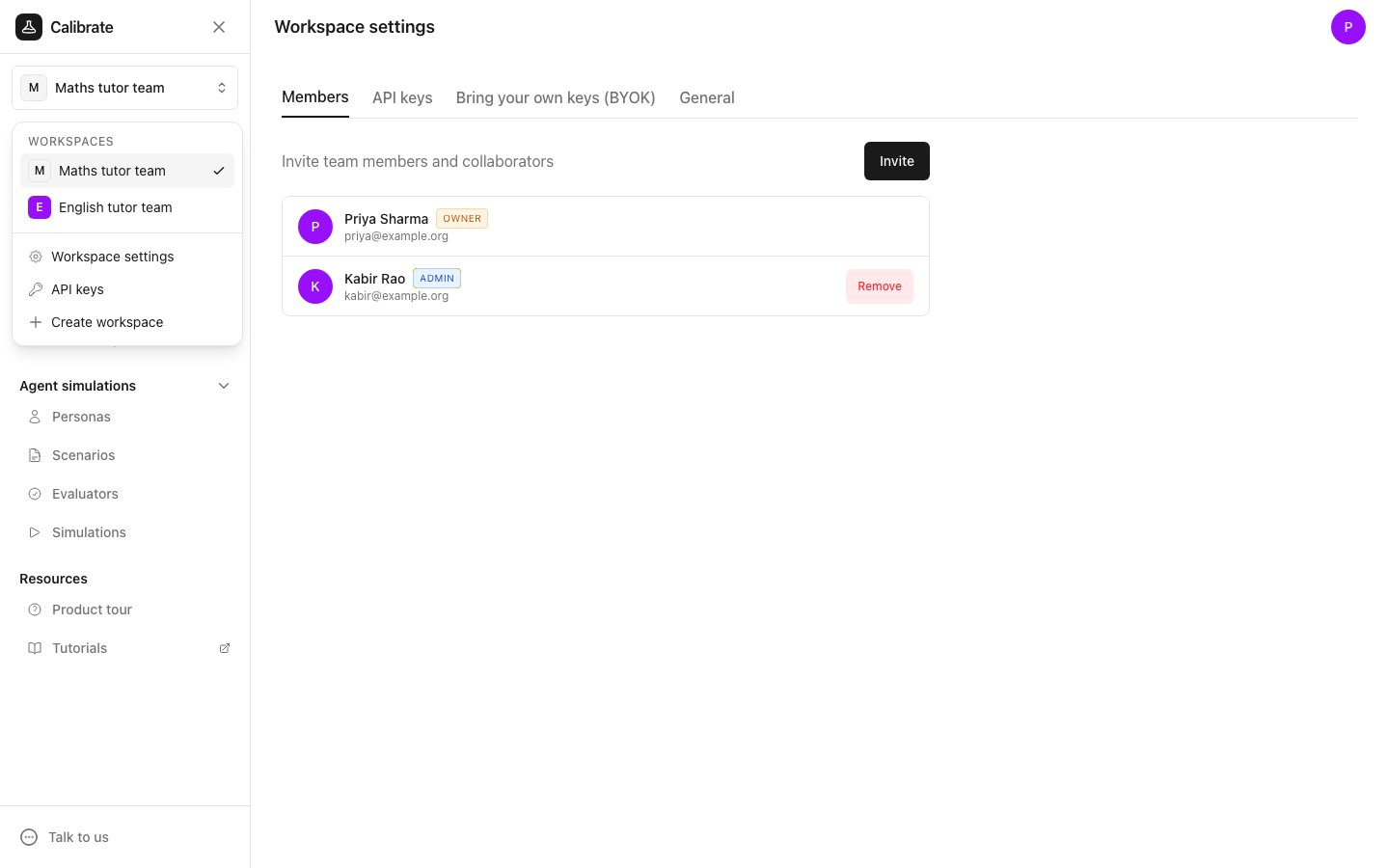
The workspace menu open under the workspace name, listing Maths tutor team and English tutor team, with Workspace settings, API keys and Create workspace below
  • To switch, click another workspace in the list.
  • To make a new one, click Create workspace, type a Name, and click Create workspace.
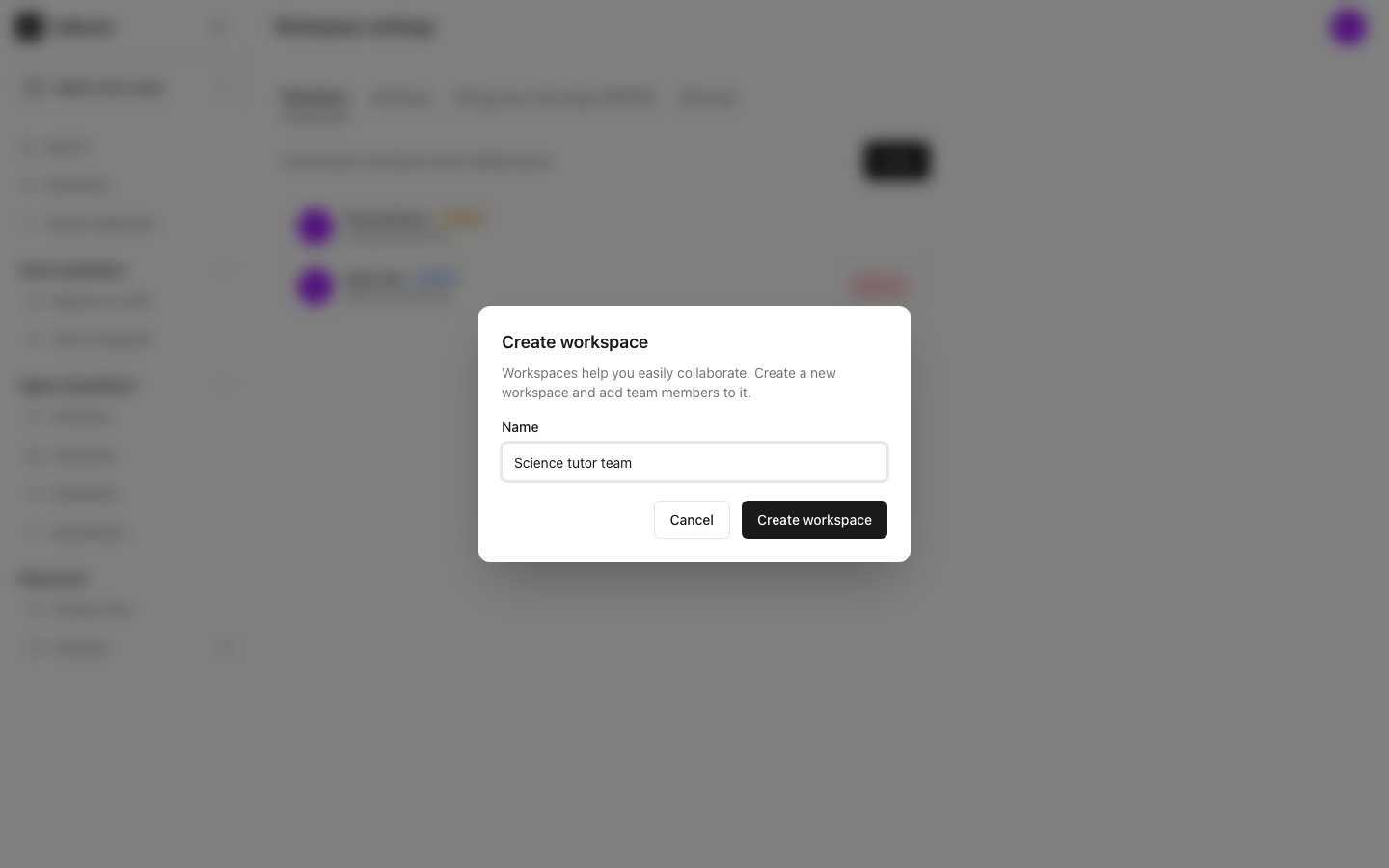
The Create workspace dialog with Science tutor team typed in the Name field

Next steps

Members

Invite your team to the workspace

Settings

Rename the workspace and choose how models are compared