

Open settings
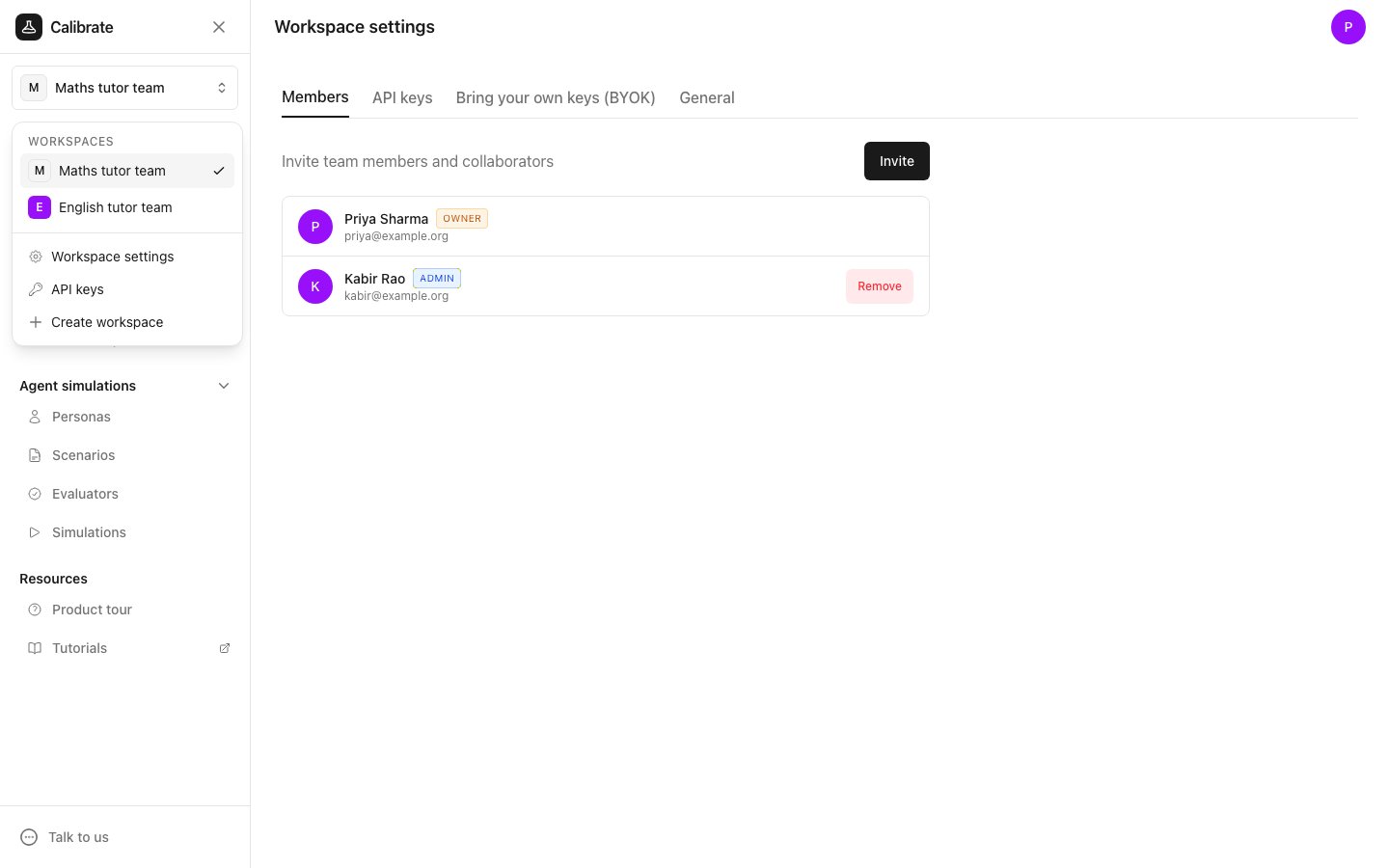
- Click the workspace name at the top of the sidebar.
- Click Workspace settings.
General
The General tab has two settings.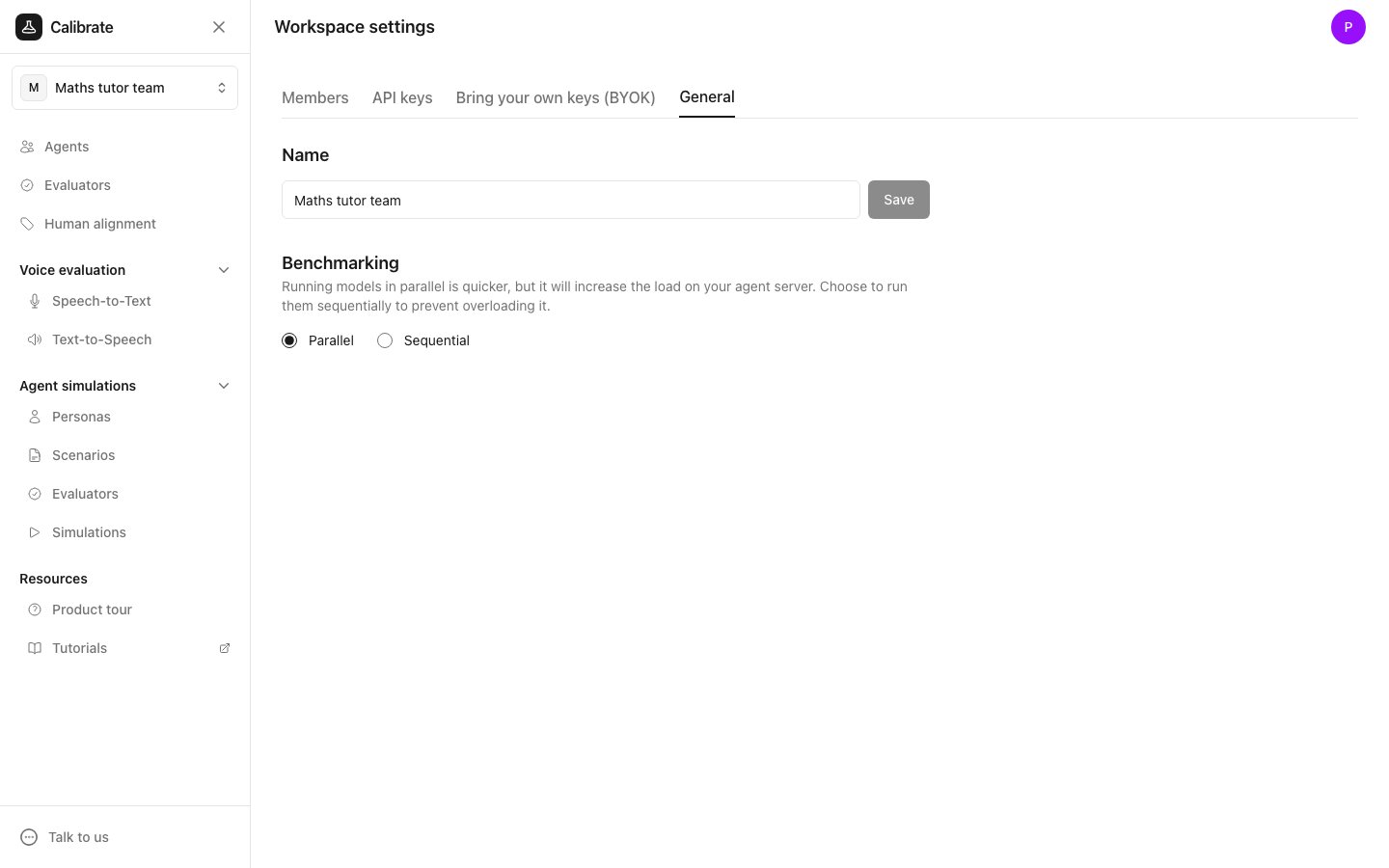
- Name: type a new name for the workspace and click Save.
- Benchmarking: choose Parallel or Sequential. This sets how models run when you compare models on your tests. Parallel is quicker but puts more load on your agent’s server. Pick Sequential to avoid overloading it.
Next steps
Members
Invite your team to the workspace
Bring your own keys (BYOK)
Add your own provider keys