

See your scenarios
In the sidebar, under Agent simulations, click Scenarios. The list shows each scenario’s label and description.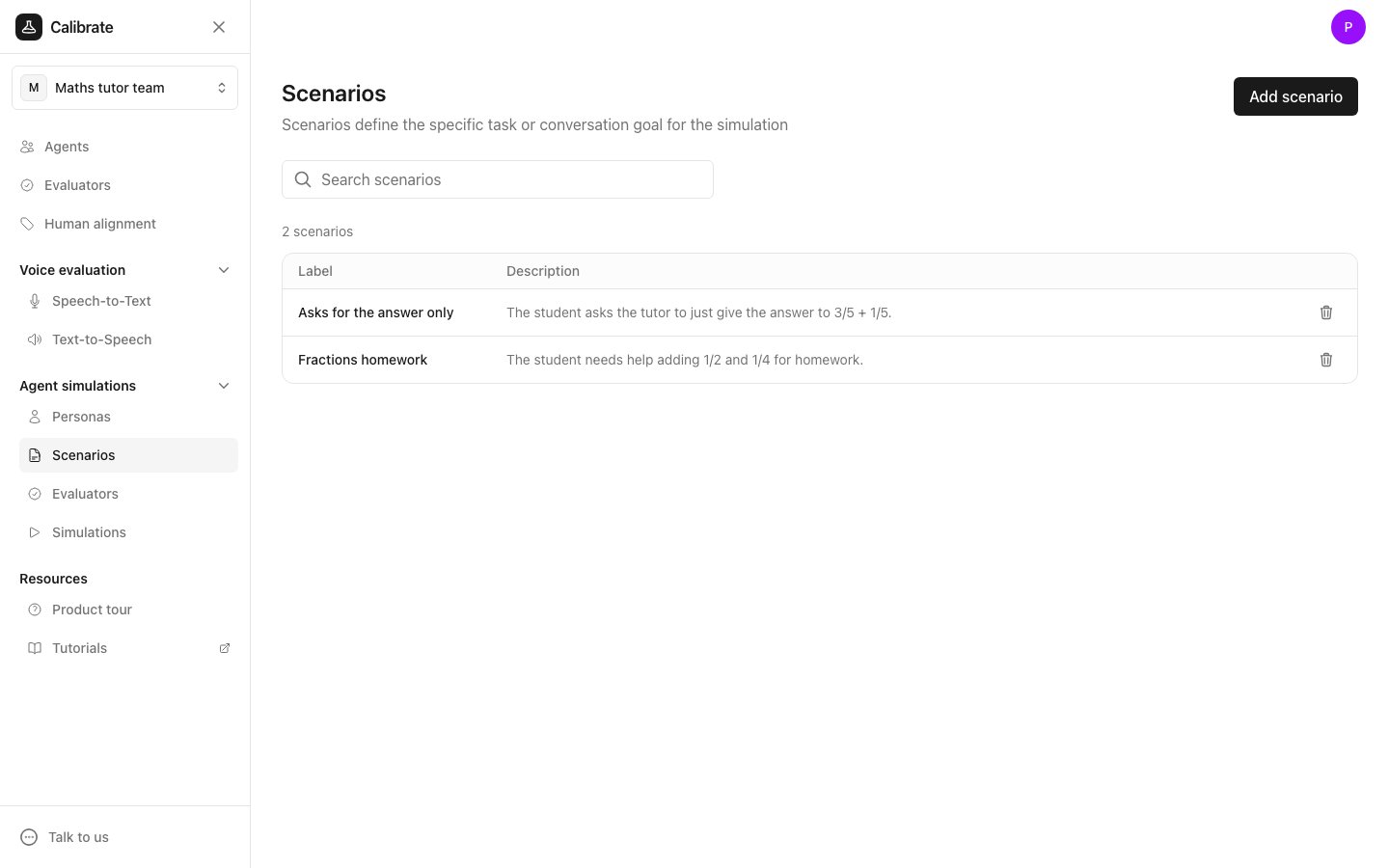
Add a scenario
Click Add scenario. A panel opens on the right. To change a scenario later, click it in the list.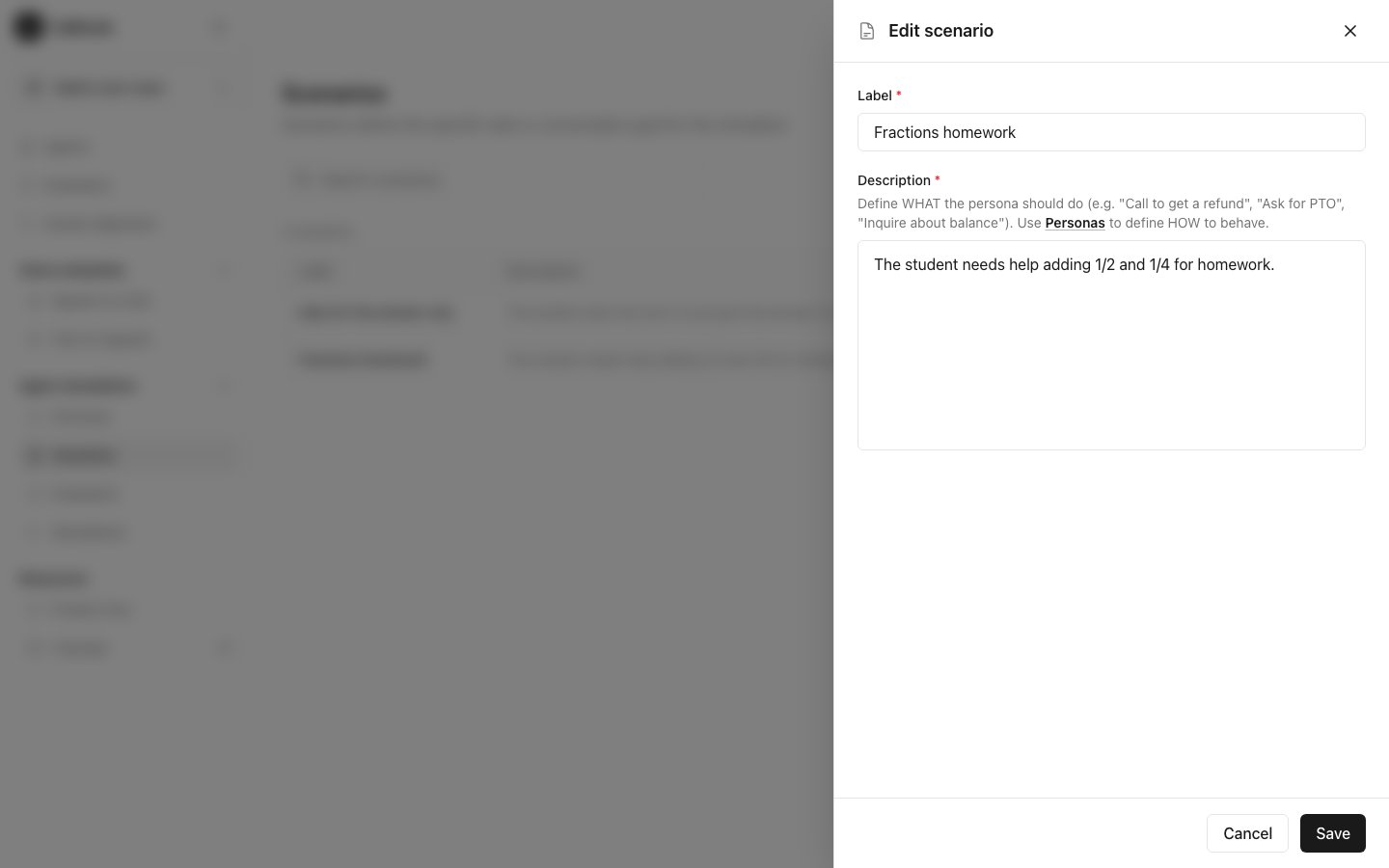
Then click Add scenario at the bottom of the panel to save it. When you change a scenario, the button reads Save.
Example scenarios
The two scenarios used across these docs:Fractions homework
Asks for the answer only
Best practices
- Be specific. Put in the exact numbers, dates or details the student would bring up.
- Give one clear goal. Say what the student is trying to get out of the conversation.
- Leave personality out. “Gets frustrated quickly” belongs in a persona.
- Include hard cases. A student who pushes for the answer tests your agent more than one who follows along.
Scenarios and personas
Next steps
Personas
Describe who the student is and how they behave
Run a simulation
Pair personas with scenarios and run them