

See your personas
In the sidebar, under Agent simulations, click Personas. The list shows each persona’s label, characteristics, gender, language and how often they interrupt.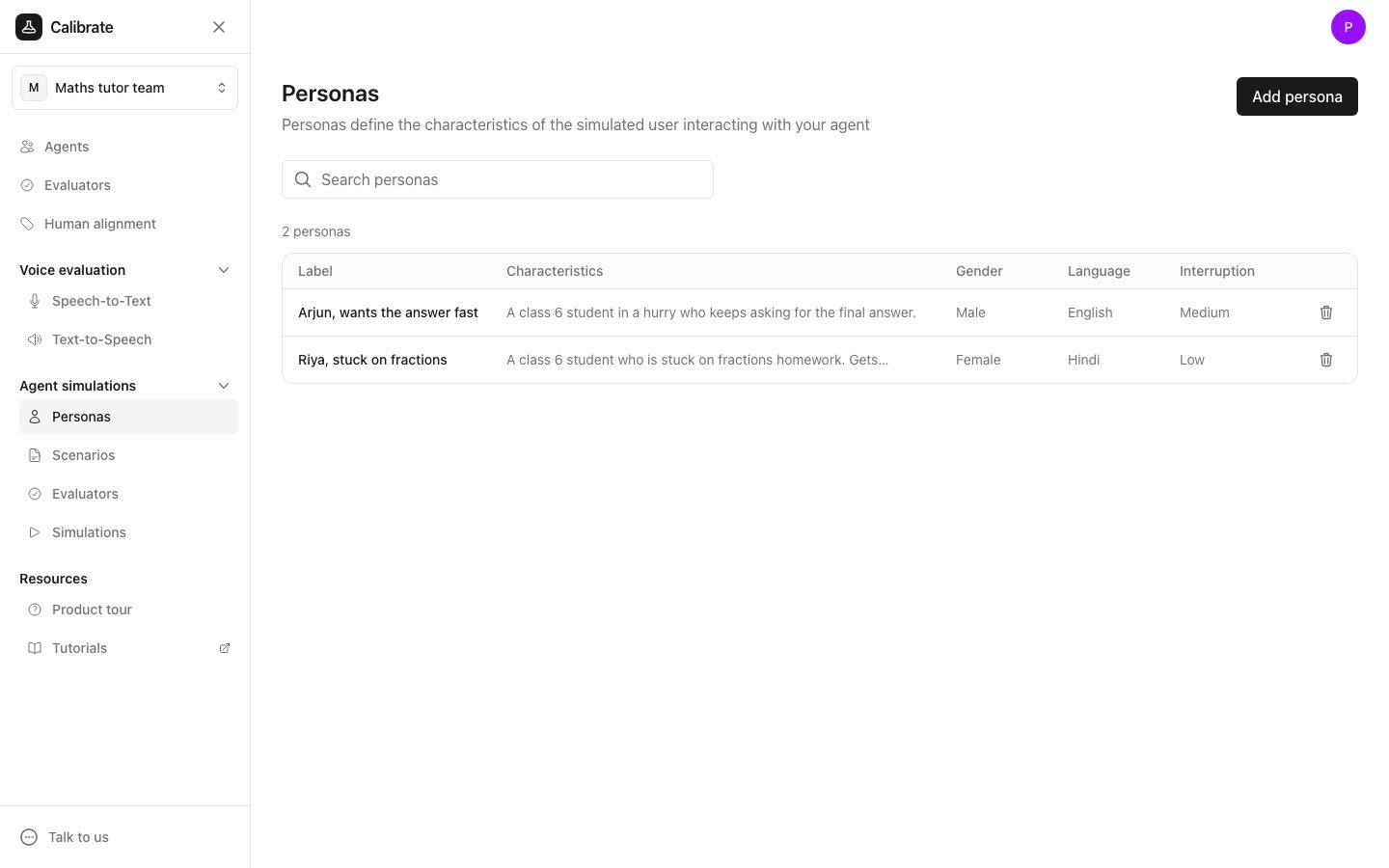
Add a persona
Click Add persona. A panel opens on the right. To change a persona later, click it in the list.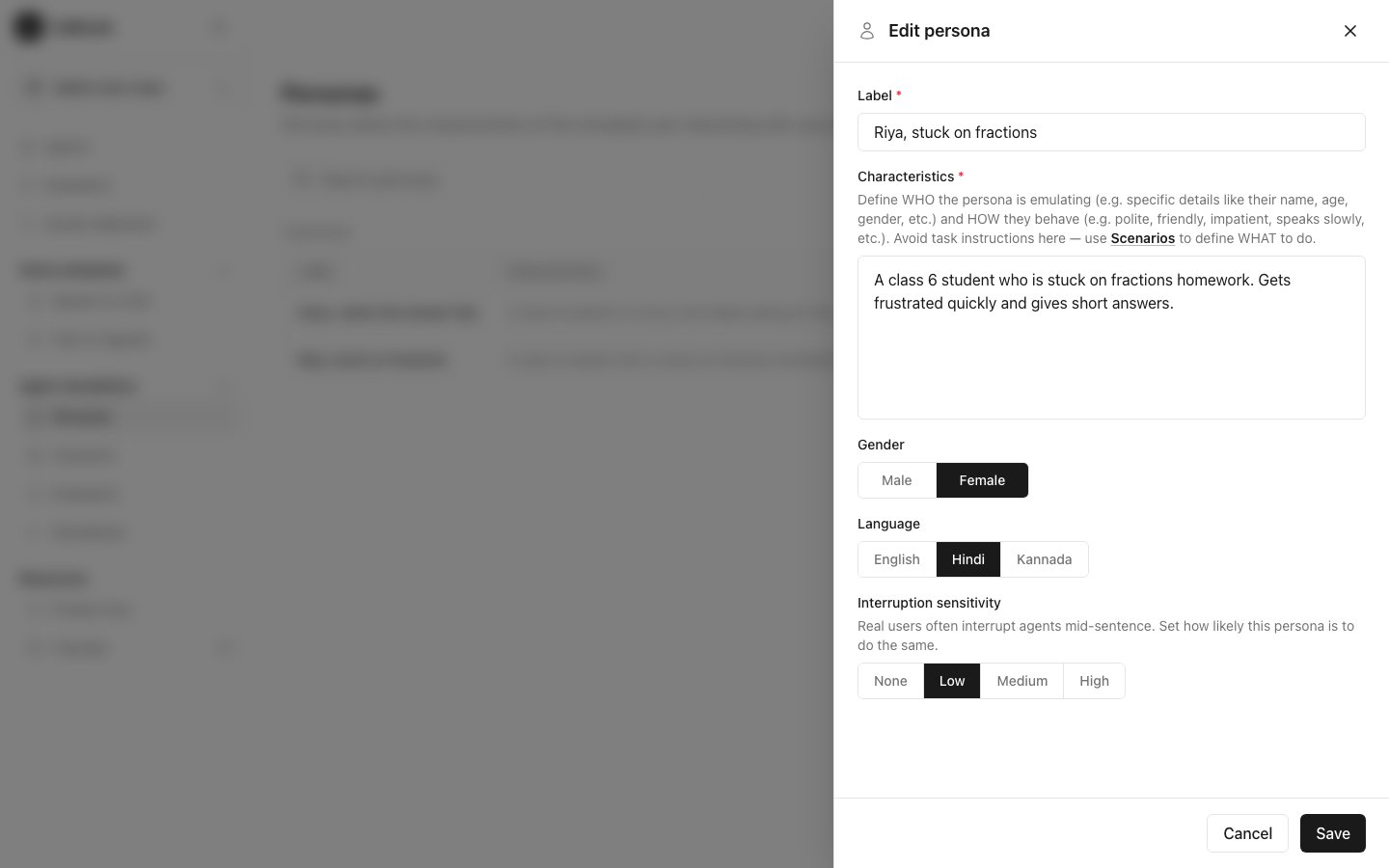
Then click Add persona at the bottom of the panel to save it. When you change a persona, the button reads Save.
Example characteristics
The two personas used across these docs:Riya, stuck on fractions
Arjun, wants the answer fast
Interruption sensitivity
Interruptions happen only in voice simulations. While the agent is speaking, the student gets a chance to cut in each time the agent says the next part of its reply. The level sets how big that chance is.Best practices
- Be specific. Give the student’s age, class and anything else your agent should notice, such as being upset or in a hurry.
- Say how they talk. Short answers, long answers, polite, impatient.
- Leave the task out. “Needs help adding 1/2 and 1/4” belongs in a scenario.
- Make personas that differ. A patient student and an impatient one test your agent in different ways.
Personas and scenarios
Next steps
Scenarios
Describe what the student wants from the conversation
Run a simulation
Pair personas with scenarios and run them